Introducllon
Infotainment
Vehlcle Overvlew
Receiving a Phone Call
Openlng & Closlng
Seatlng & Safety
Reslralnts
Chelsea Nugènt
I'ie¢JrnlrvJ Call
Drlvlng & Operatlng
Advanced Drlver
Asslstance
Syslems(ADAS)
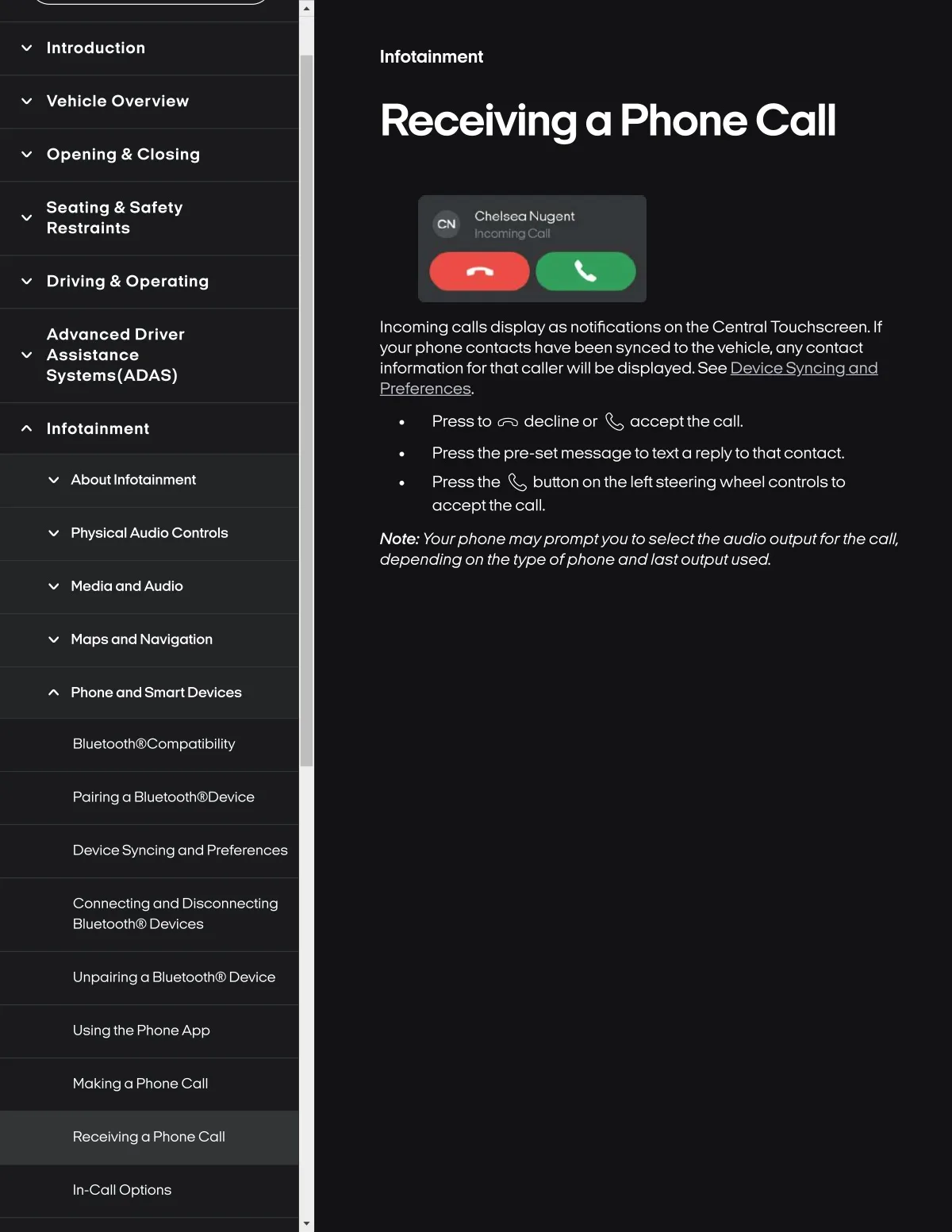
Incoming calls dlsplay as notlficatlons on the Central Touchscreen. If
your phone contacts have been synced tothe vehicle, anycontact
information forthat caller will be displayed. See iDgoDd
Infotalnment
Press to F) decllne or E acceptthe call.
Press the pre-set messagetotexta replyto that contact.
Press the I button on the leftsteering wheel controls to
acceptthe call.
About Infotalnment
Physlcal Audlo Controls
Note.. Yourphone moypromptyou to select the audlo output for the call.
dependlng on the type ofphone andlost output used.
Medla and Audlo
Map8 and Navlgatlon
Phone and Smart D8vlce8
Bluetooth@Compatibllity
Palring a BIu8tooth@D8vIc8
Devlce Syncing and Preferences
Connecting and Dlsconnectlng
Bluetooth@ D8vices
Unpairing a Bluetooth@ Device
Usingthe PhoneApp
Maklng a Phonecall
Recelvinga Phone Call
In-call Optlons